Tip: Kids start with HTML (text), then CSS (colors), then JS (buttons).
Kido & Babo • Tabs IDE (HTML / CSS / JS)
Pick a starter project → it loads into the right tabs automatically → press Run.
Editor Tabs
Ready
Shortcut: Ctrl + Enter = Run
Saved
Preview
Load a starter project
How to create + Starter Projects ▼
1) Click a starter project below.
2) Press Run to preview.
3) Edit tabs: HTML = text, CSS = style, JS = buttons.
2) Press Run to preview.
3) Edit tabs: HTML = text, CSS = style, JS = buttons.
Algorithm idea: “steps that solve a problem”.
Tip: Start with HTML tab.
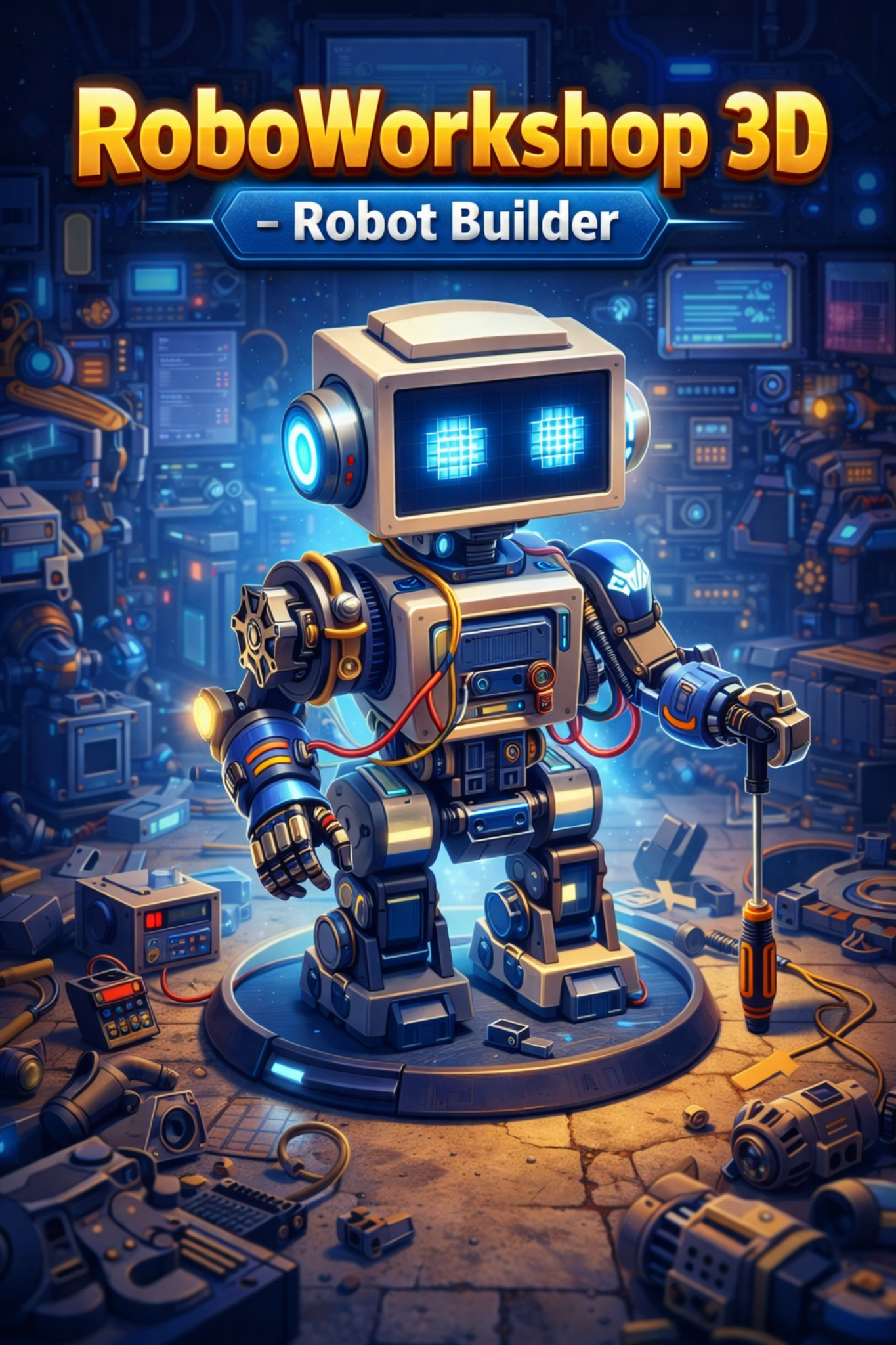
🎵 music
🦾 RoboWorkshop
RoboWorkshop 3D
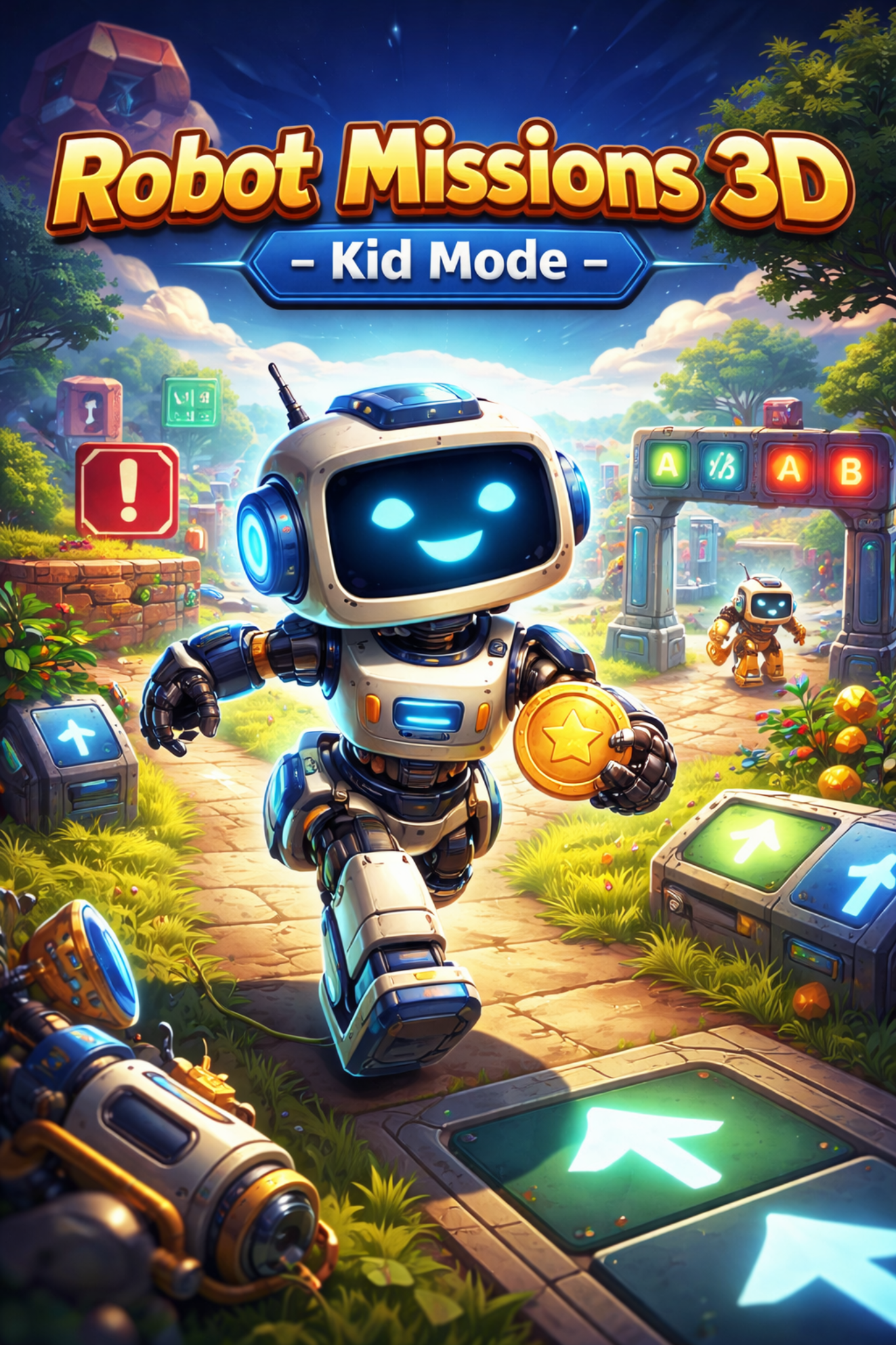
🎵 music
🤖 Robot Missions
Robot Missions 3D
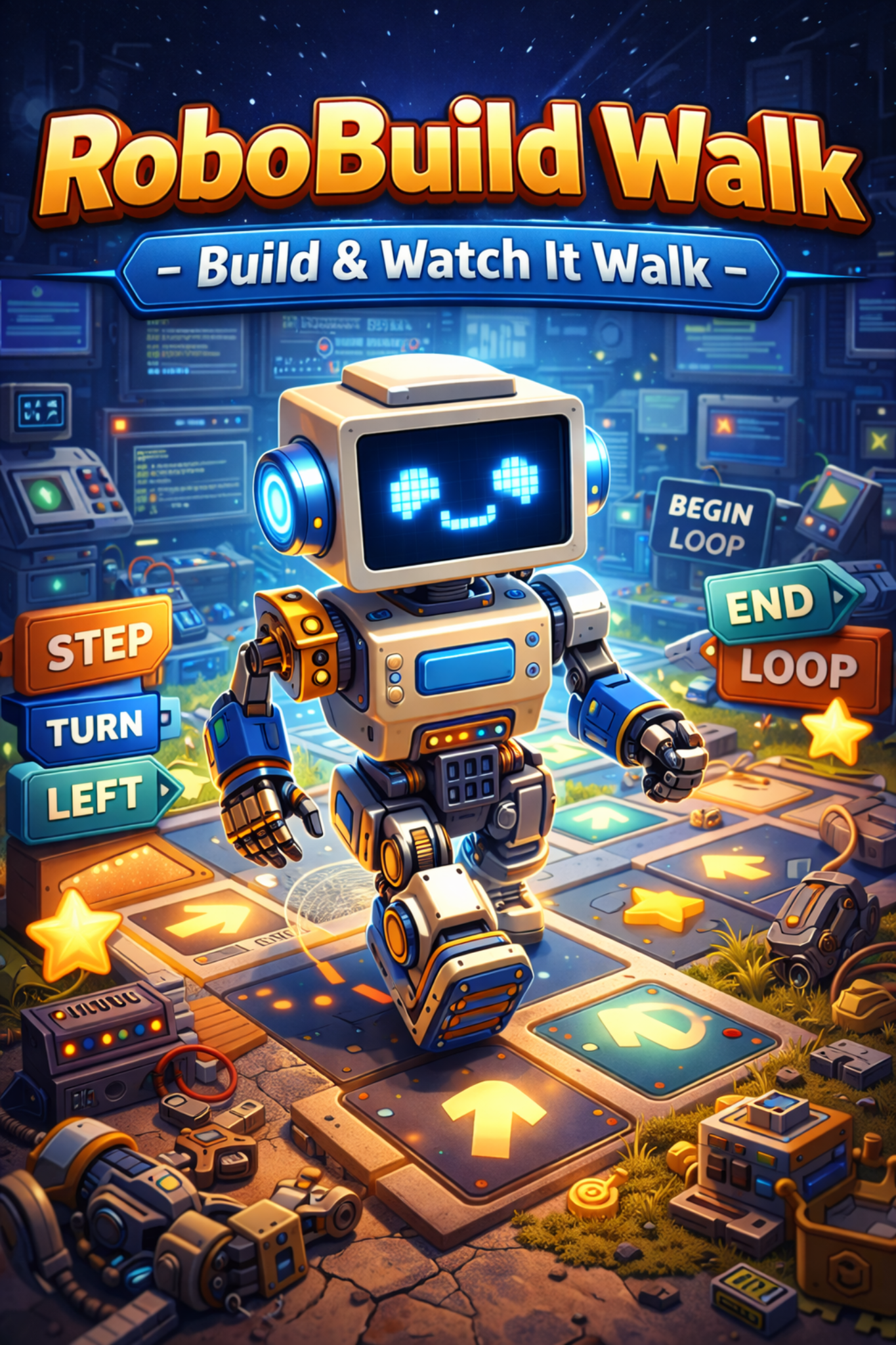
🎵 music
🧩 RoboBuild Walk
RoboBuild Walk
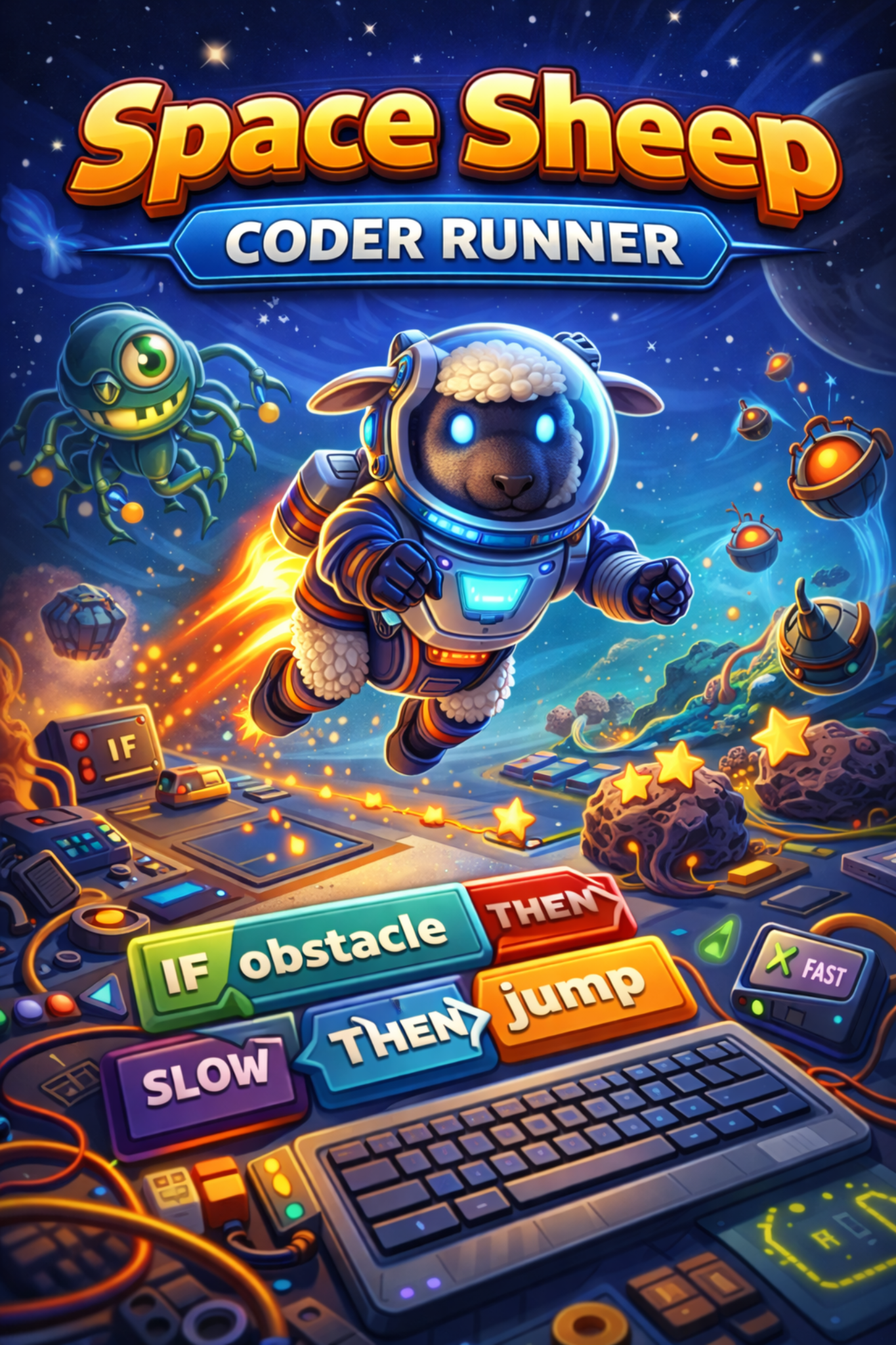
🎵 music
🐑🚀 Space Sheep
Space Sheep
🎵 music
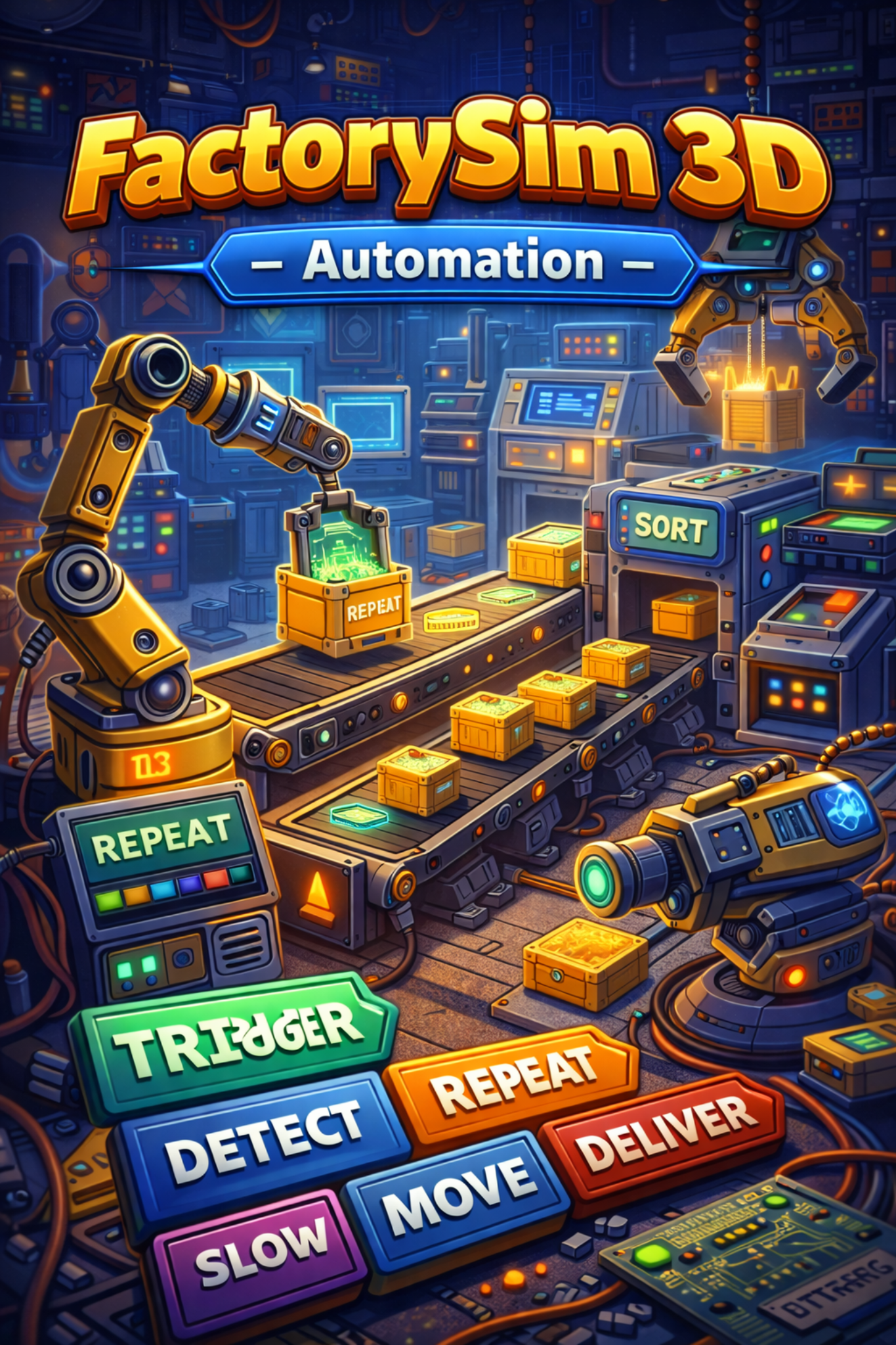
🏭 FactorySim
FactorySim 3D
🎵 music
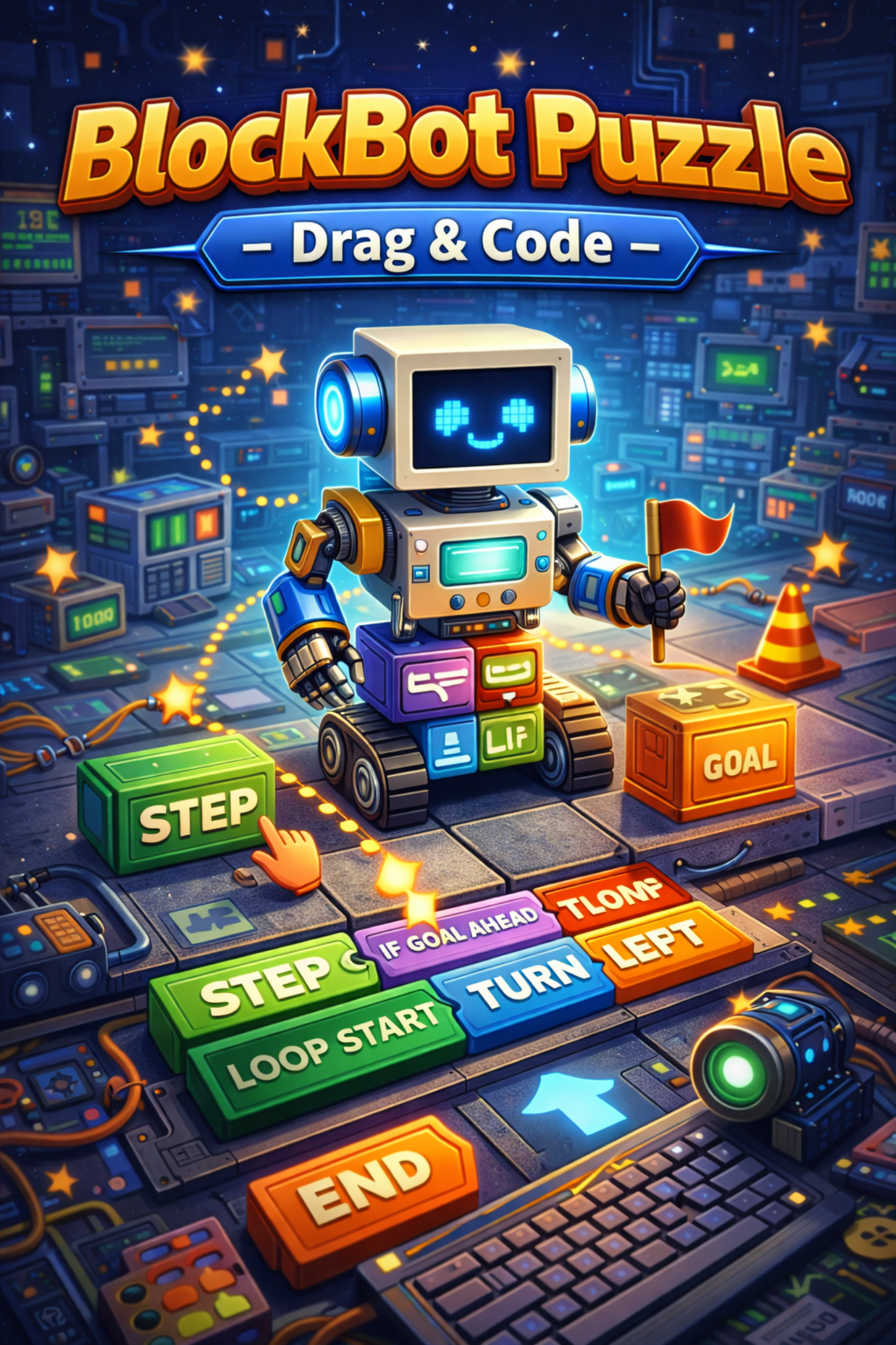
🧱 BlockBot
BlockBot Puzzle
📘 Glossary
Computer Glossary